Ok so I actually do roast my own coffee and for a brief while sold it on the internet.
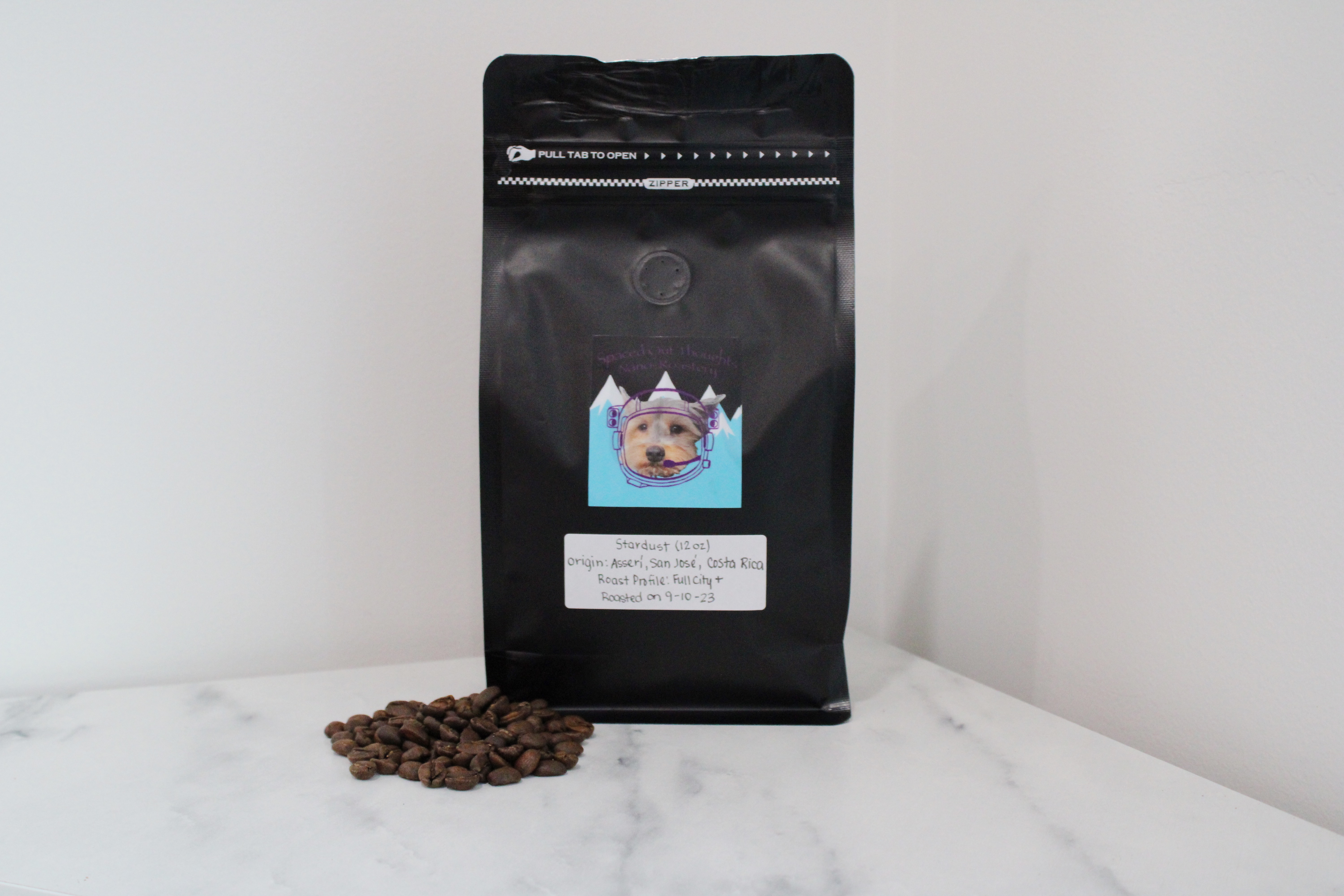
A nice Costa Rican roast with lovely notes of chocolate ☕️
My wife designed a logo, I bought some bags on Amazon, and with a plastic heat sealer, the end result was something I am pretty proud of. [Insert joke about how important good packaging is].
... and on to the content you actually came here for ...
I'm building Caffeine, a compiler written in Gleam that compiles service expectations to reliability artifacts. This post documents how I solved one of my first challenges: creating standalone binaries for simpler distribution.
Gimme the Bits
Gleam is a friendly language for building type-safe systems that scale [which leverages] [t]he power of a type system, the expressiveness of functional programming, and the reliability of the highly concurrent, fault tolerant Erlang runtime, with a familiar and modern syntax.
As Gleam targets either Erlang or Javascript configured within the gleam.toml, unlike a Rust or a Go, it doesn't compile to a binary out of the box.
While the gleam command line tool itself is pretty kickass, coming with a lot of built in ease (i.e. installing deps on gleam run), the lack of compilation to a binary makes distribution of a
compiler a bit of a challenge; I would love to just create a release on my website with versioned binaries for the release.
As I am creating a Github Action to intergate the compiler in a CICD pipeline (that I am leveraging at my day job at Spring Health), I found myself searching for an answer to this issue early on.
The First Naive Solution
I have setup my Github Action (first time GHA developer... no clue if this is the approach or just where I landed) with a Dockerfile and an entrypoint.sh script.
A condensed version of my Dockerfile is:
FROM alpine:3.18

# Install minimal dependencies
...

# Install rebar3 manually
...

# Install Gleam
...

# Create Gleam project and set up custom main
WORKDIR /caffeine
RUN gleam new . \
    && gleam add argv \
    && gleam add caffeine_lang \
    && gleam deps download

# Copy custom main.gleam
COPY main.gleam src/caffeine.gleam

# Build the project
RUN gleam build

# Set the entrypoint
ENTRYPOINT ["/entrypoint.sh"]
Where the entrypoint.sh is a bash script to consume the required compiler input parameters and feed them to caffeine and main.gleam is a copy-pasta version of the main file from caffeine itself.
All together:
1. package caffeine and publish package (see here)
2. in Dockerfile of GHA, create a new Gleam project where caffeine is a dependency
3. move a copy of the command line interface (main.gleam) in to the Dockerfile build
4. execute caffeine via the Gleam project, passing in the parameters captured
This is exceptionally hacky, but it works 🤷♂️.
A Better Solution
Across the web, there are glimmers of hope 🙏
Yoshie's Lightning talk: Building self-contained executables with Gleam - Yoshie Reusch | Code BEAM Europe 2025 (video)
An issue in Gleam's repo hinting that maybe with enough financial support, we'd get something (link)
inoas on Github recommended existing solutions (link): (1)
gleam export erlang-shipment, (2) burrito, (3) building a small docker image, or (4) targetting Javascript then building that with deno or node.gleam-mix: an Elixir archive that teaches Mix how to work with Gleam code and dependencies!
While building a small docker image is feasible, I wanted to aim for a true binary and not require folks to install Erlang, nix, or mix. So, possibly in my naivety and desire to checkout deno, I went with inoas's fourth option.
The first step here is to just target javascript in the gleam.toml.
Pretty easy:
name = "caffeine_lang"
...

target = "javascript"

[dependencies]
...
Ok, so gleam build... and ... I appear to be using a yaml parser library that only has Erlang FFI bindings 🤦♂️
➜  caffeine_lang git:(main) gleam build
  Compiling caffeine_lang
error: Unsupported target
   ┌─ /Users/developer/projects/caffeine_lang/src/caffeine_lang/phase_1/parser/utils/general_common.gleam:22:11
   │
22 │     glaml.parse_file(file_path)
   │           ^^^^^^^^^^

This value is not available as it is defined using externals, and there is
no implementation for the JavaScript target.

Hint: Did you mean to build for a different target?
glaml is my yaml parser of choice and it is in fact just a wrapper around yamerl a YAML 1.2 and JSON parser in pure Erlang. The error means glaml uses Erlang FFI functions that don't have JavaScript equivalents.
Luckily as far as I could tell, glaml was the only package with Erlang-only externals (no JS implementation). Other packages like simplifile use FFI but have both Erlang and JS implementations.
[dependencies]
gleam_stdlib = ">= 0.63.0 and < 1.0.0"
simplifile = ">= 2.3.0 and < 3.0.0"
argv = ">= 1.0.2 and < 2.0.0"
glaml = "~> 3.0.0"
gleeunit = ">= 1.0.0"
caffeine_query_language = ">= 0.0.2"  # my own library
As I was (a) stubborn about compiling to Javascript and (b) too invested in glaml (my glaml extensions is another planned blog post and maybe even a future upstream contribution), the path forward was an abstraction layer that enabled both an Erlang and a Javascript FFI.
As mentioned, I'd actually already set this up with my glaml_extended library which lives within a deps directory within src (whether or not this organizational structure makes sense remains to be seen...). Thus, I just needed to add an FFI file there (named yaml.gleam) which
acted as a minimal parser around a .mjs and .erl yaml parser file respectively. Structurally I ended up with:
└── deps
    ├── README.md
    └── glaml_extended
        ├── README.md
        ├── extractors.gleam
        ├── yaml.gleam
        ├── yaml_ffi.erl
        └── yaml_ffi.mjs
I will admit I used AI for this, specifically Claude Code. It made short work of this and even added unit tests. Proper FFI best practices would be an interesting blog post as, in my opinion, one of the super powers of Gleam is it's ability to leverage battle worn Erlang & Javascript libraries, immediately expanding it's tooling support out of the gate. If I continue this Deno compilation approach into the future and have to repeat this FFI process, I'll create a followup blog post 🙏
From there I then installed the Javascript yaml equivalent package js-yaml.
{
  "name": "caffeine_lang",
  "version": "0.1.0",
  "type": "module",
  "dependencies": {
    "js-yaml": "^4.1.0"
  }
}
Then ran npm install to install the dependencies, and added a deno.json to tell Deno where to find npm packages:
{
  "nodeModulesDir": "auto"
}
Then finally I just needed to change the import paths within yaml parsing Gleam files. While I got lucky here that I only had to handle this for a single library that was fairly isolated (just a single compiler phase), this really wasn't too painful (again, thanks Claude)!
With this, we were now ready to compile to binary with Deno. To do this we:
1. created a main.mjs that imports the project and runs the Gleam code
import { main } from "./build/dev/javascript/caffeine_lang/caffeine_lang.mjs";

main();
2. compiled with Deno
deno compile --no-check --allow-read --allow-write --output caffeine main.mjs
Key flags
--no-check - skip TypeScript type checking (required for some compiled Gleam packages)
--allow-read / --allow-write - permissions for file I/O (your YAML parsing needs these)
--output <name> - output binary name
--target - cross-compile (e.g., x86_64-unknown-linux-gnu)
And lo and behold:
➜  caffeine_lang git:(main) ✗ ./caffeine
Caffeine SLI/SLO compiler

Usage:
  caffeine compile <specification_directory> <instantiation_directory> <output_directory>

Arguments:
  specification_directory   Directory containing specification files
  instantiation_directory   Directory containing instantiation files
  output_directory          Directory to output compiled files
Note: the binary size here is pretty big: 73mb and still 29mb zipped! Furthermore bun is also a similar option worth exploring.
Just to see if this worked, I did a lazy man distribution, zipping the binary and emailing it between my personal MacBook and work MacBook.
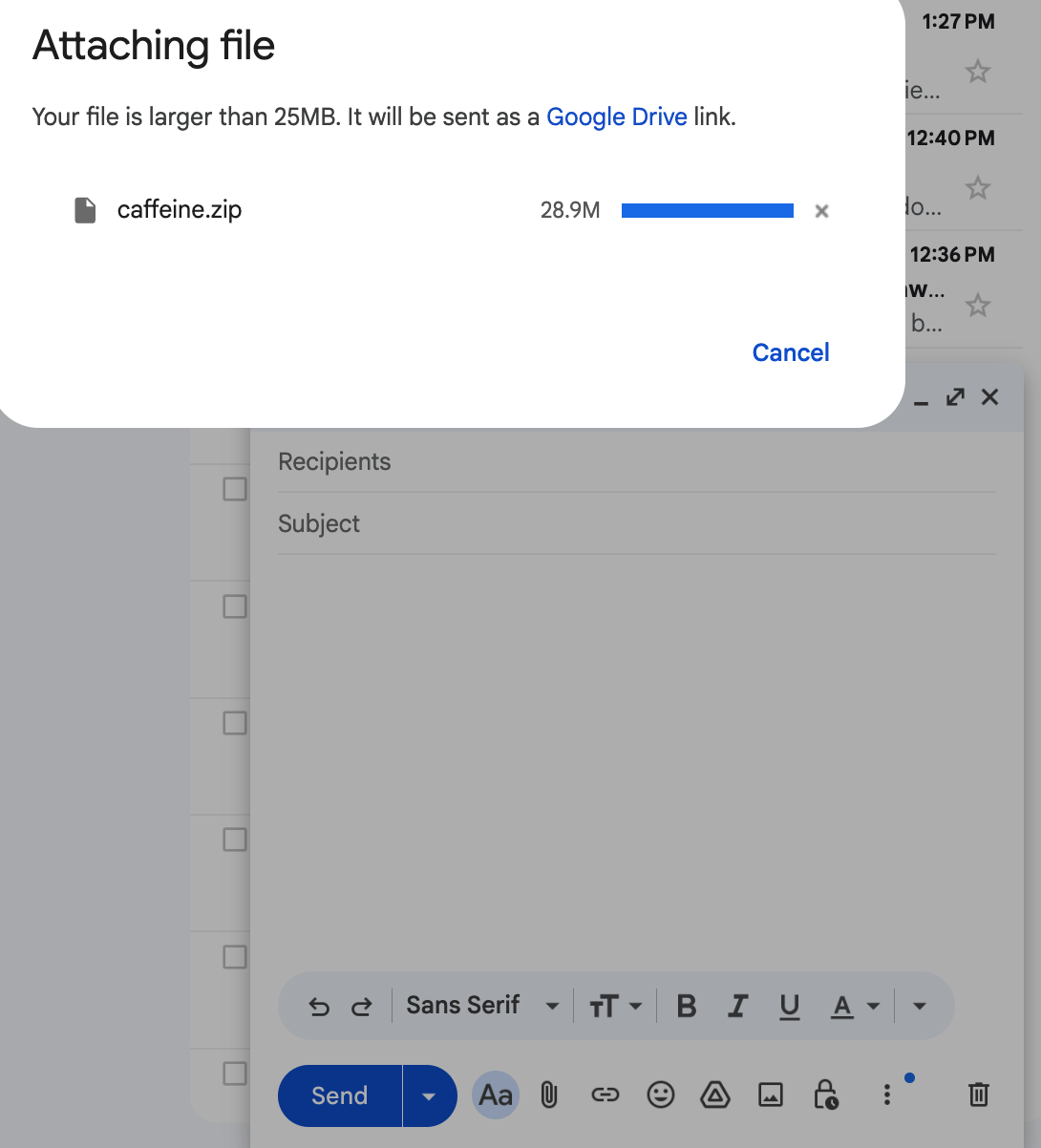
Unsurprisingly, Apple was not too happy to have me run an arbitrary binary I downloaded from Google Drive.
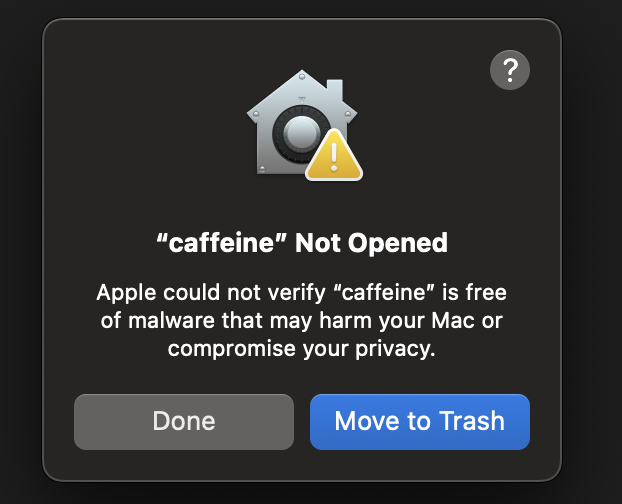
"Go home you're drunk (and on the verge of a security breach)" -- Apple
However, once I clicked all the right buttons and said aloud "I swear this is a good idea", we got our binary executing!
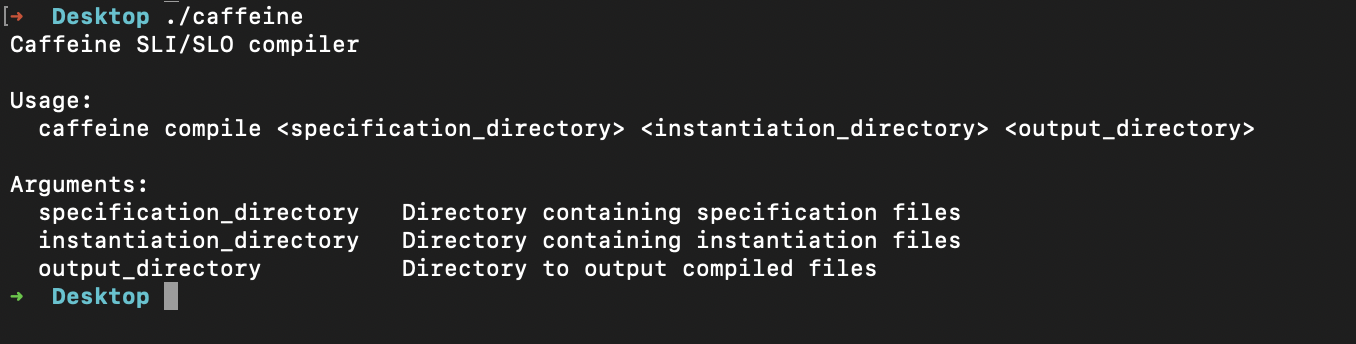
First distrubuted binary of caffeine running in the "wild" 🏆
TLDR How to Compile Gleam Application to a Binary with Deno
1. target Javascript
2. create JS FFI bindings for any Erlang-only packages
3. add a Javascript entrypoint
4. compile with Deno
5. profit 🤘
Update: Easier Options Available
Since writing this, I realized my initial research was incomplete as a couple tools exist that automate more or less exactly the process I describe above:
Garnet - automates the Deno compilation process for Gleam
Gleative - another tool for Deno compilation with declarative config
Update (11/22/25): Homebrew Distribution Support
Since we have binaries now, with just a little work we're now available via Homebrew for MacOs users!
To install:
brew tap brickell-research/caffeine
brew install caffeine_lang
To upgrade:
brew update
brew upgrade caffeine_lang
To set this up was surprisingly straightforward. All I really had to do was create a custom tap at brickell-research/homebrew-caffeine with a formula that handles multi-platform installation:
class CaffeineLang < Formula
  desc "Caffeine programming language"
  homepage "https://caffeine-lang.run"
  version "0.1.6"

  if OS.mac? && Hardware::CPU.intel?
    url "https://github.com/Brickell-Research/caffeine_lang/releases/download/v0.1.6/caffeine-0.1.6-macos-x64.tar.gz"
    sha256 "0019dfc4b32d63c1392aa264aed2253c1e0c2fb09216f8e2cc269bbfb8bb49b5"
  elsif OS.mac? && Hardware::CPU.arm?
    url "https://github.com/Brickell-Research/caffeine_lang/releases/download/v0.1.6/caffeine-0.1.6-macos-arm64.tar.gz"
    sha256 "..."
  # ... Linux support
  end

  def install
    bin.install "caffeine-#{version}-macos-x64" => "caffeine"
  end
end
Each binary is verified with SHA256 checksums for security. Right now pushing updates is a manual change, but will certainly be automated in the near future!